
There has been a lot of buzz lately about Azure DevOps. Are you using Azure DevOps? Do you want to know the benefit of using Azure-enabled DevOps (or any code repository) in preserving code? This blog will show you how to connect an existing ADF project to Azure DevOps CI CD workflows.
In the ADF ecosystem, the data integration service helps to provide support to develop and orchestrate data-driven workflows. It uses JSON to capture the code in the data factory by connecting ADF to the code repository. This will track every change. When a coder publishes the code, DevOps will establish a new version of Data Factory, where the code will be roll-back if required.
The following steps will help the engineer(user) to connect the azure data factory (ADF) to Azure DevOps:
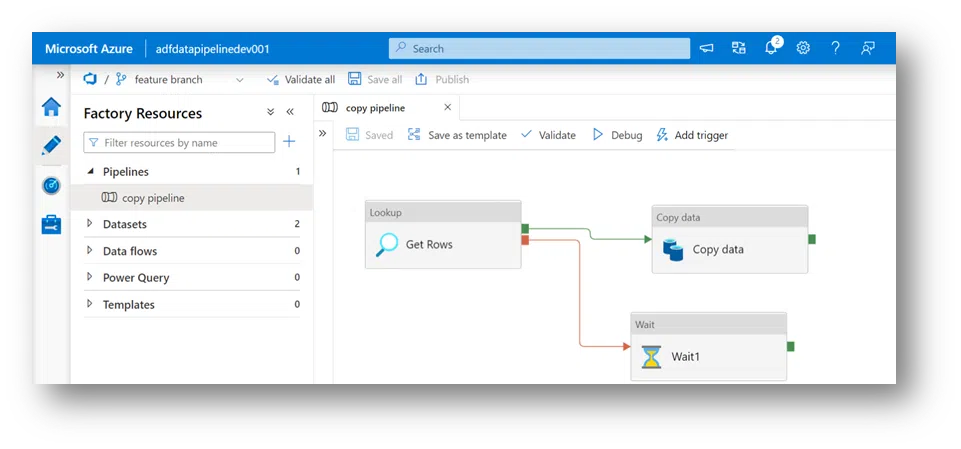
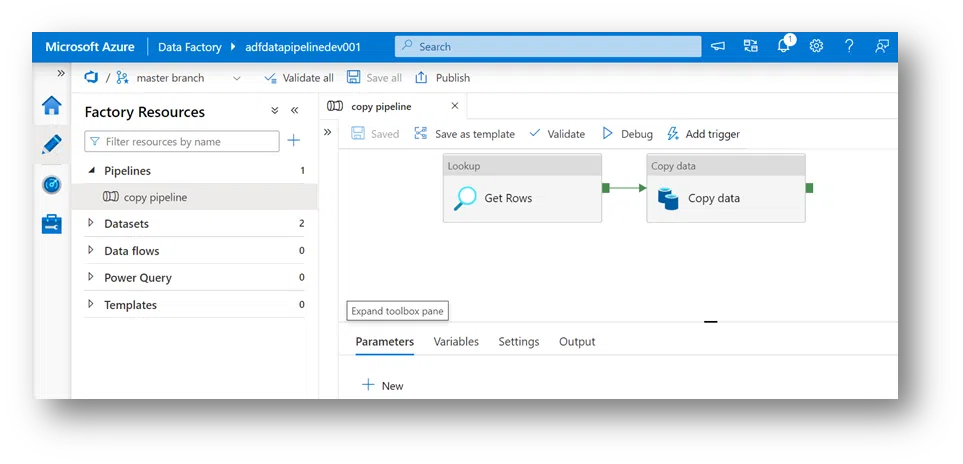
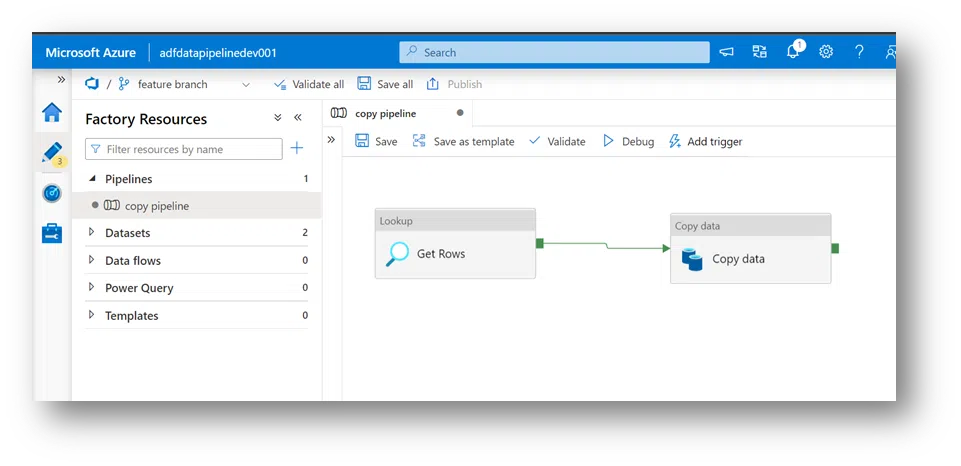
1. Create a simple Data Factory “adfdatapipelinedev001” that lookup the data in the storage account folder and copies data from Azure Data Lake Storage to an Azure Storage Blob.
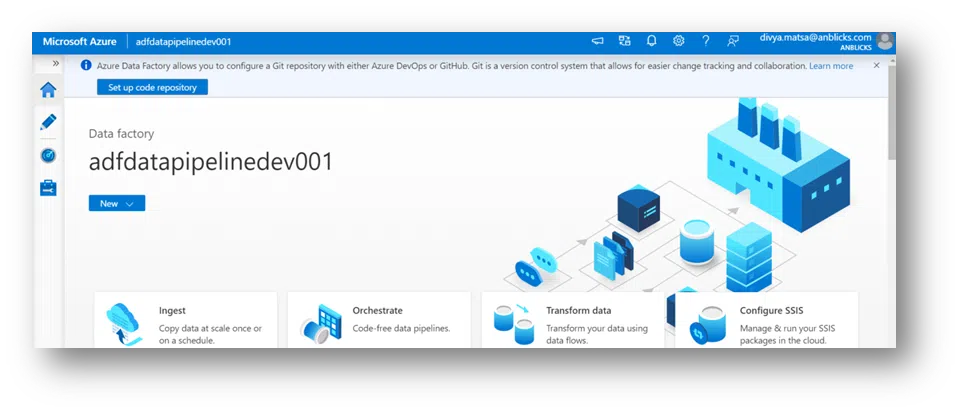
5. After clicking on Set Up Code Repository, this will open Repository Settings, were set up the connection to the code repository was created in the 3rd step. Then,
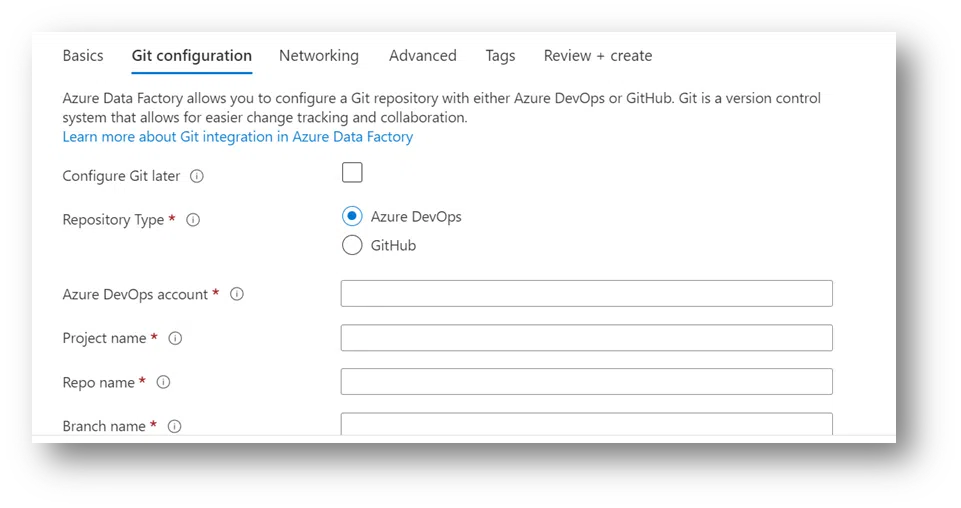
- Select Repository Type: Azure DevOps Git
- Select Azure DevOps account, which is associated with a user account.
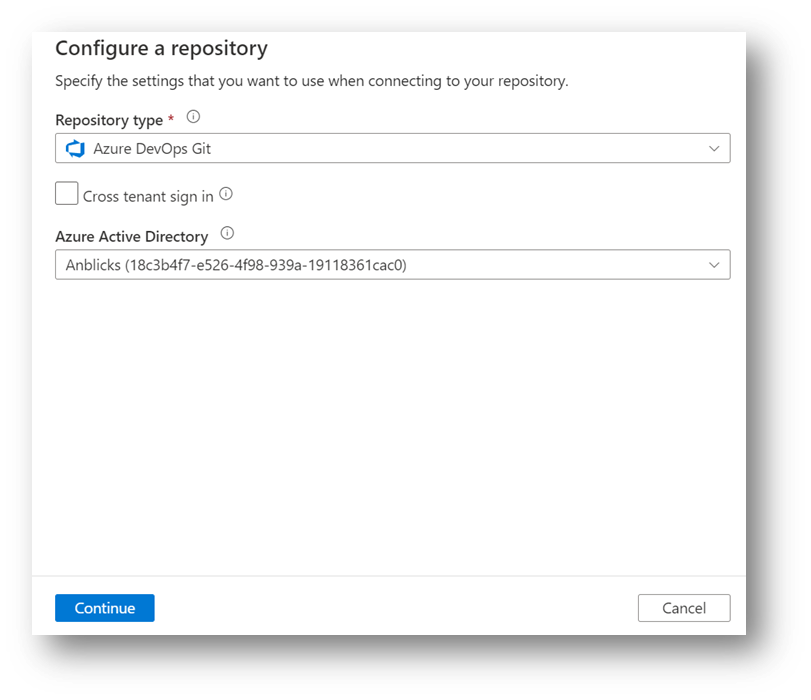
- Then click Save.
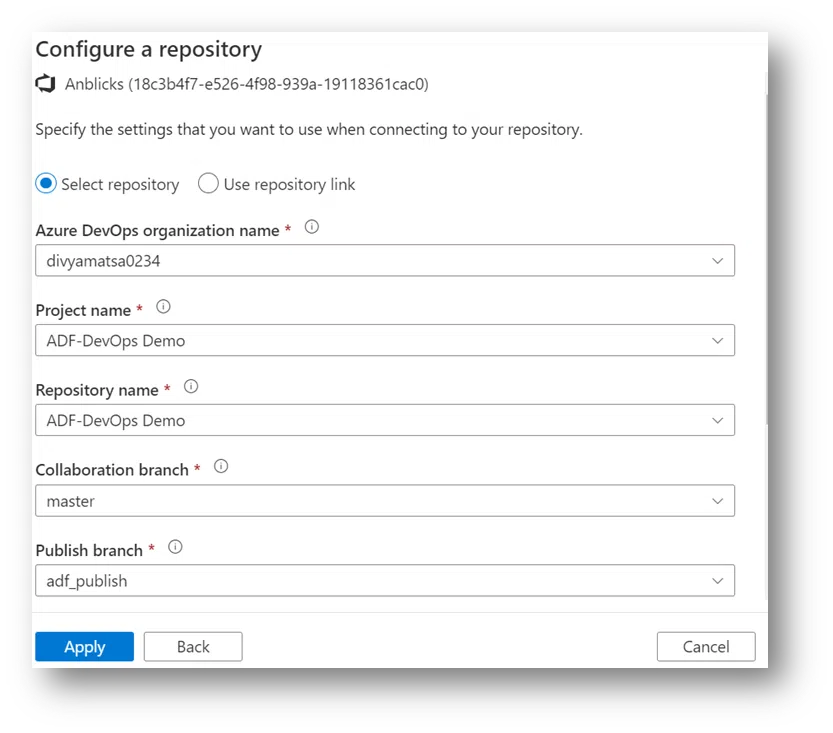
- Then, configure a repository:
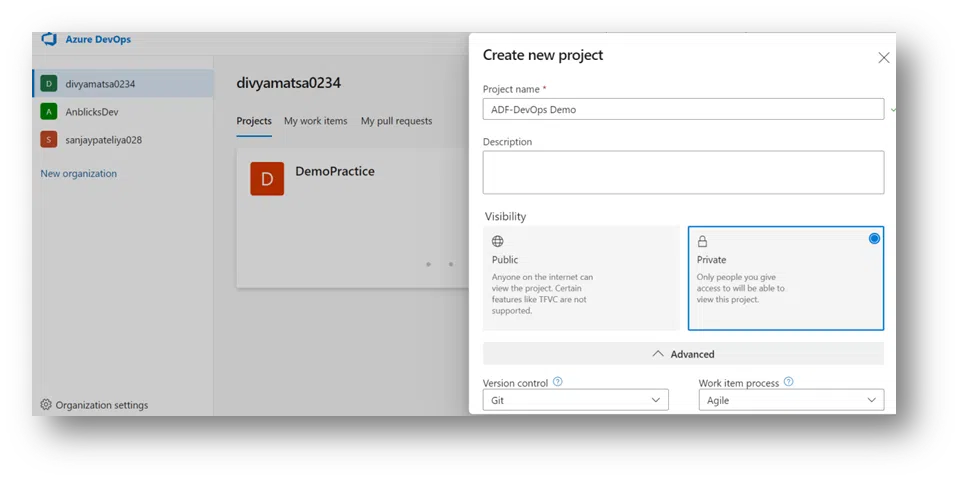
- Choose Project Name (the one we just created)
- Git Repository Name: We can create a new one or use the existing repository when we create it.
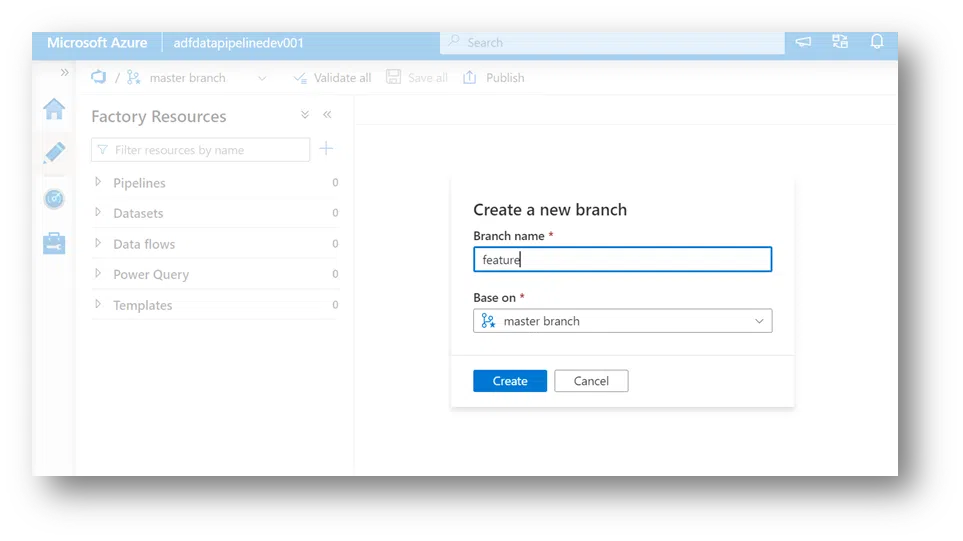
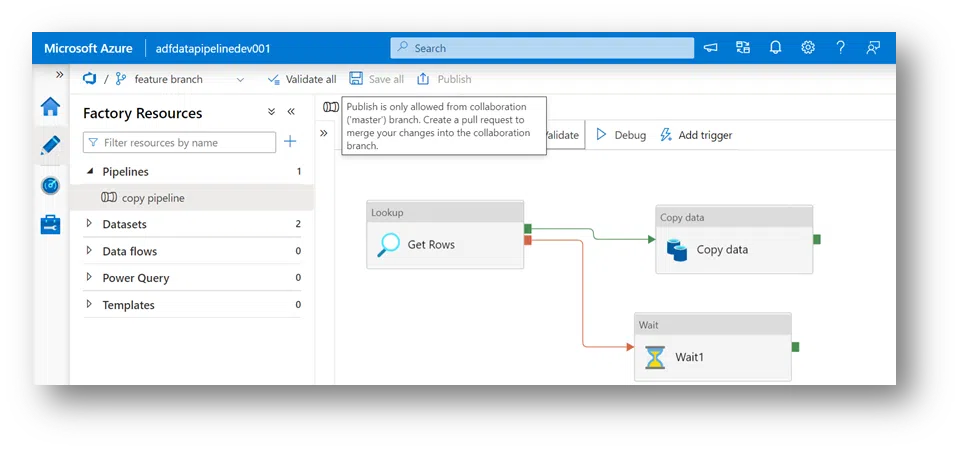
- Collaboration Branch: I suggest you stick with Master. This is where all your branching will merge, and a copy of all the changes you’ve made will be published to the Azure Data Factory that runs via trigger or event.
- Then click Save.
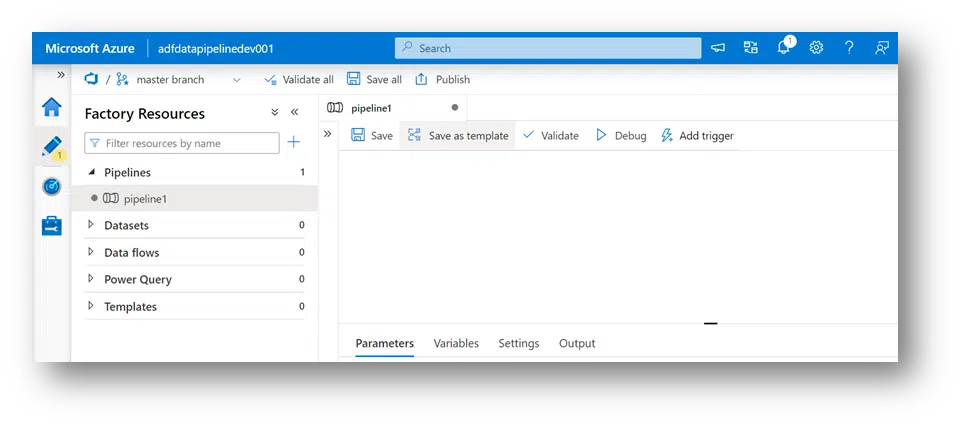
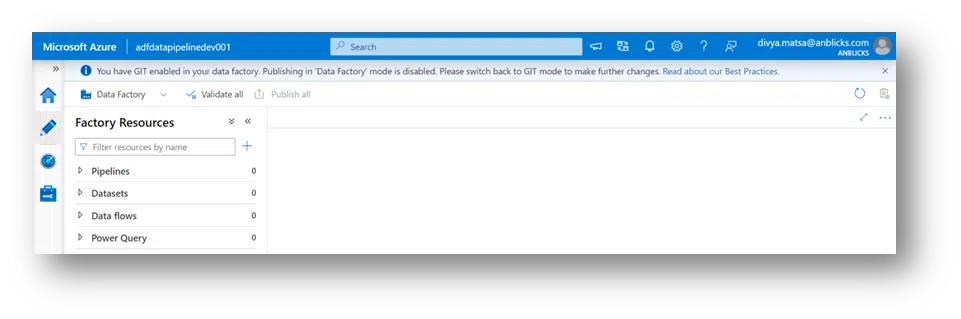
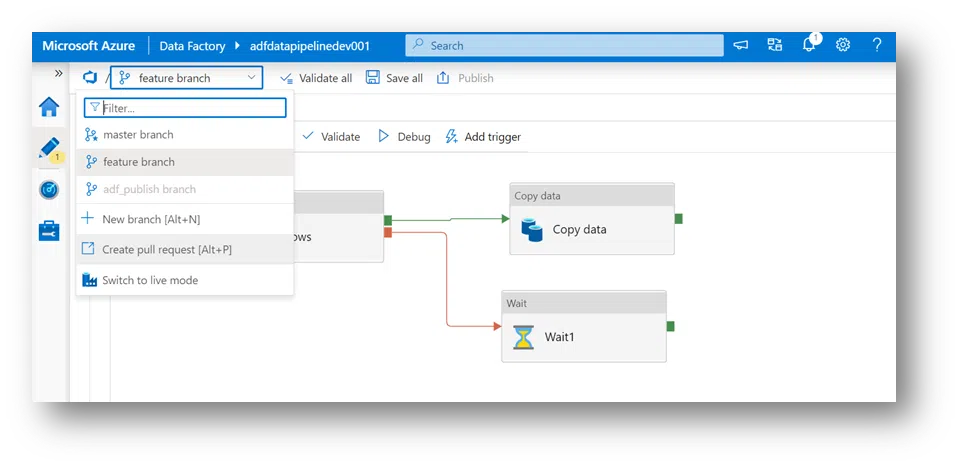
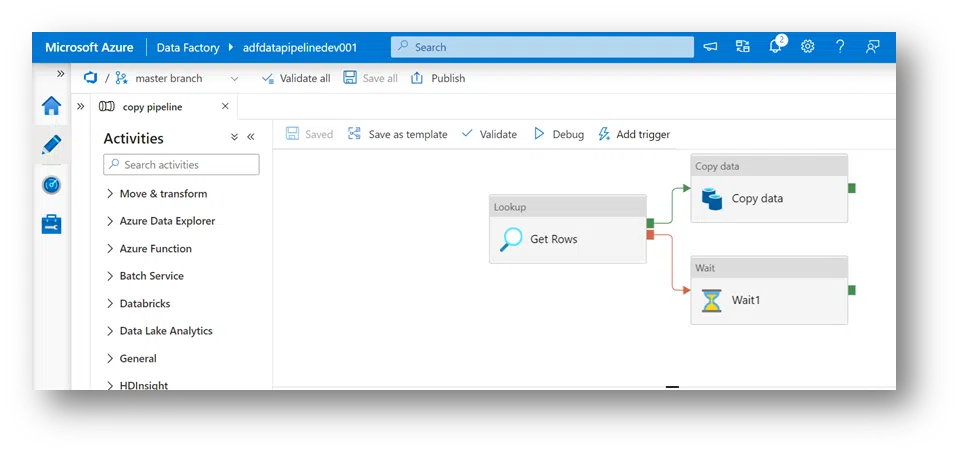
8. At the top, you’ll see the warning if a user selects ADF while working out of the master branch and Azure DevOps GIT. The warning will be “publishing Data Factory mod has been disabled” because of choosing the DevOps GIT as a branch in this case.